A cockpit, not a window.
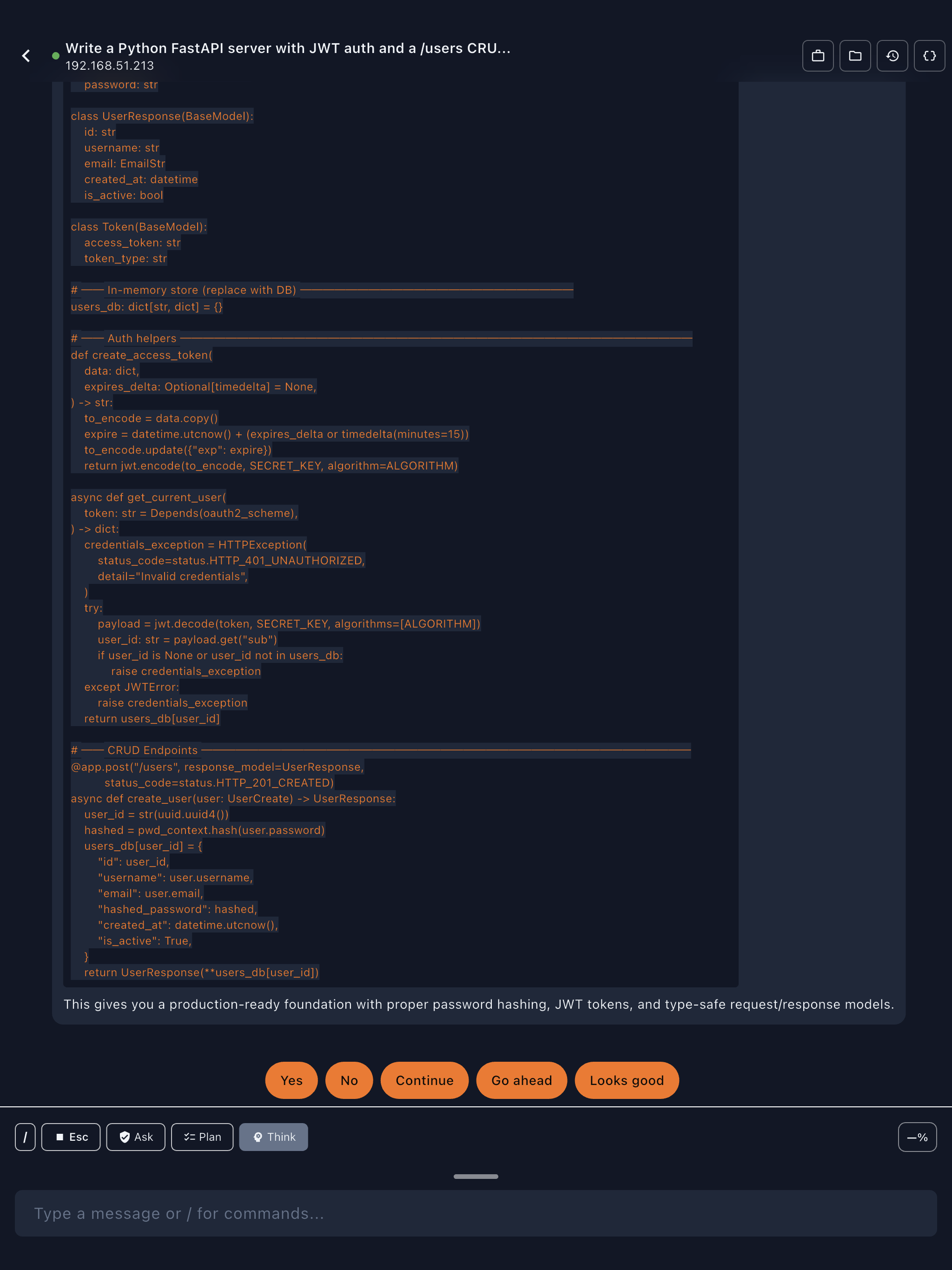
Günther reads Claude Code's output and renders it into a real mobile interface — plans, tool approvals, thinking steps, file diffs, and progress tracking. A command center for your AI coding agent.
Remote AI Coding from Anywhere
Your Claude Code sessions, from your couch.
Günther connects your iPad or iPhone to your dev machine over SSH and puts your AI coding agent in your pocket. Approve tool calls from the train. Review file edits from bed. Keep a long-running task moving while you're out walking the dog.

Günther isn't a wrapper or a proxy — it's a direct SSH connection to your server where your own Claude Code CLI is already running. No cloud relay, no middleman, no third-party servers. Every connection is protected by post-quantum encryption (ML-KEM) — Günther is the first mobile SSH client to offer quantum-resistant key exchange.
Flutter UI. Rust SSH engine. Post-quantum key exchange. No JavaScript runtime, no Electron, no web views. Native ARM on both sides.
Günther reads Claude Code's output and renders it into a real mobile interface — plans, tool approvals, thinking steps, file diffs, and progress tracking. A command center for your AI coding agent.
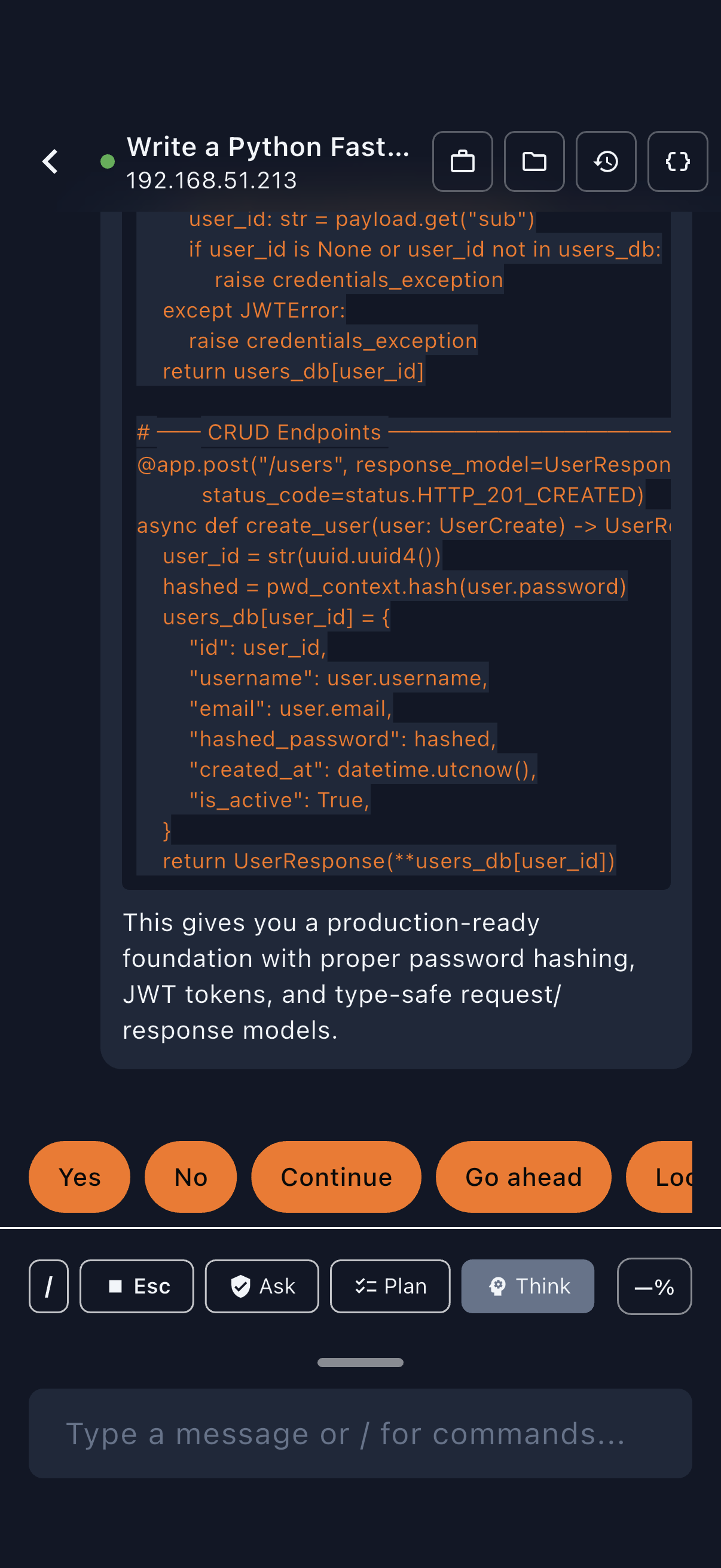
Claude Code asks before running shell commands, editing files, or writing new ones. Günther renders each request with a preview, and you approve or deny.
Thinking blocks, inline diffs, and progressive disclosure — rendered natively instead of hidden behind raw terminal output.
See Claude's progress without opening the app. Dynamic Island shows the current tool, elapsed time, and lights up when Claude needs your approval.
Full terminal emulator with PTY support — arrow keys, tab completion, 256-color ANSI output. When you just need to run something, you run it.
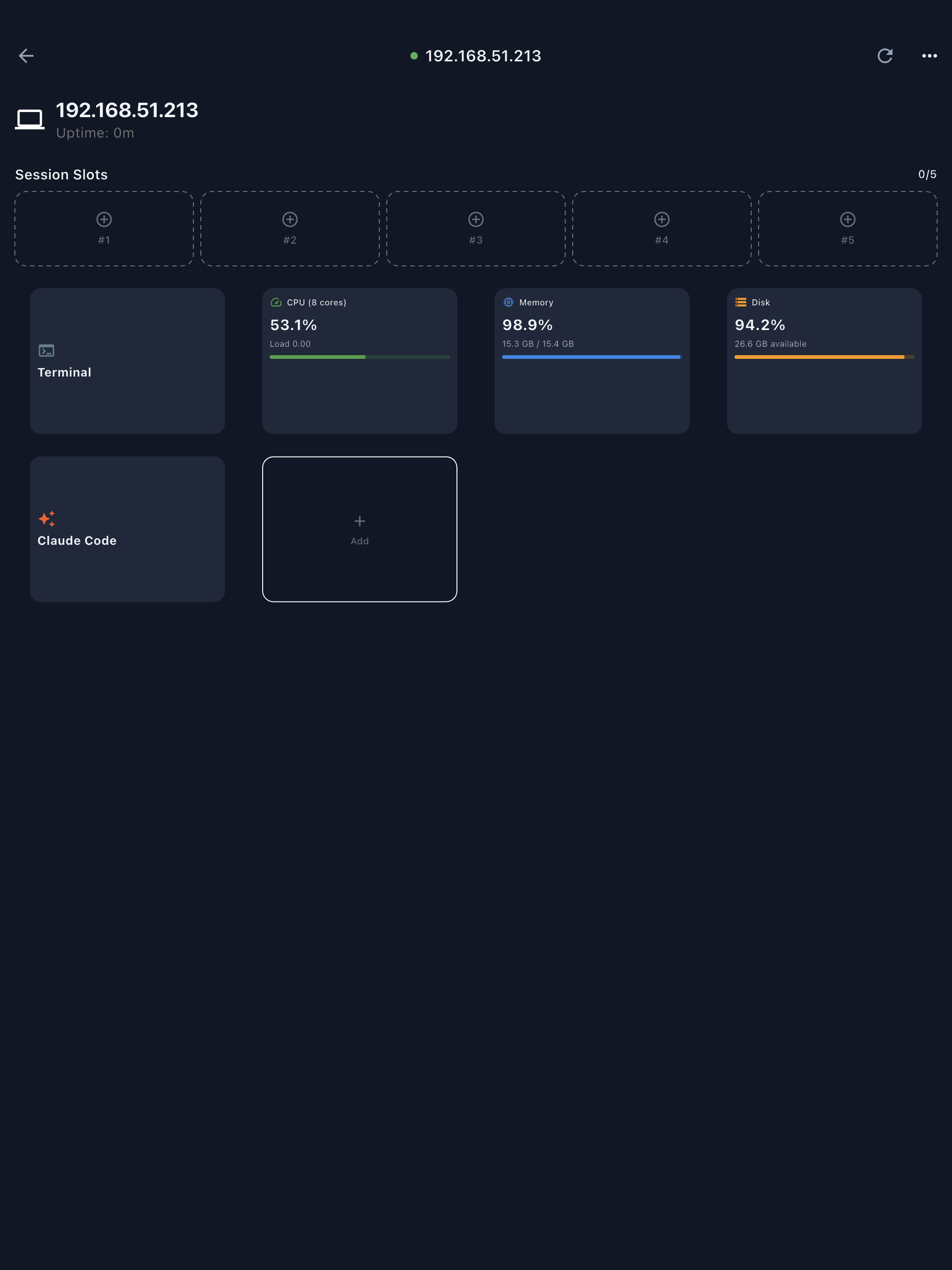
Customizable dashboard with 90+ command templates across 16 categories — system stats, git, Docker, GitHub, admin, deployment, and more. Add, remove, and reorder cards. Save project shortcuts for one-tap access.
Optimized for on the go.
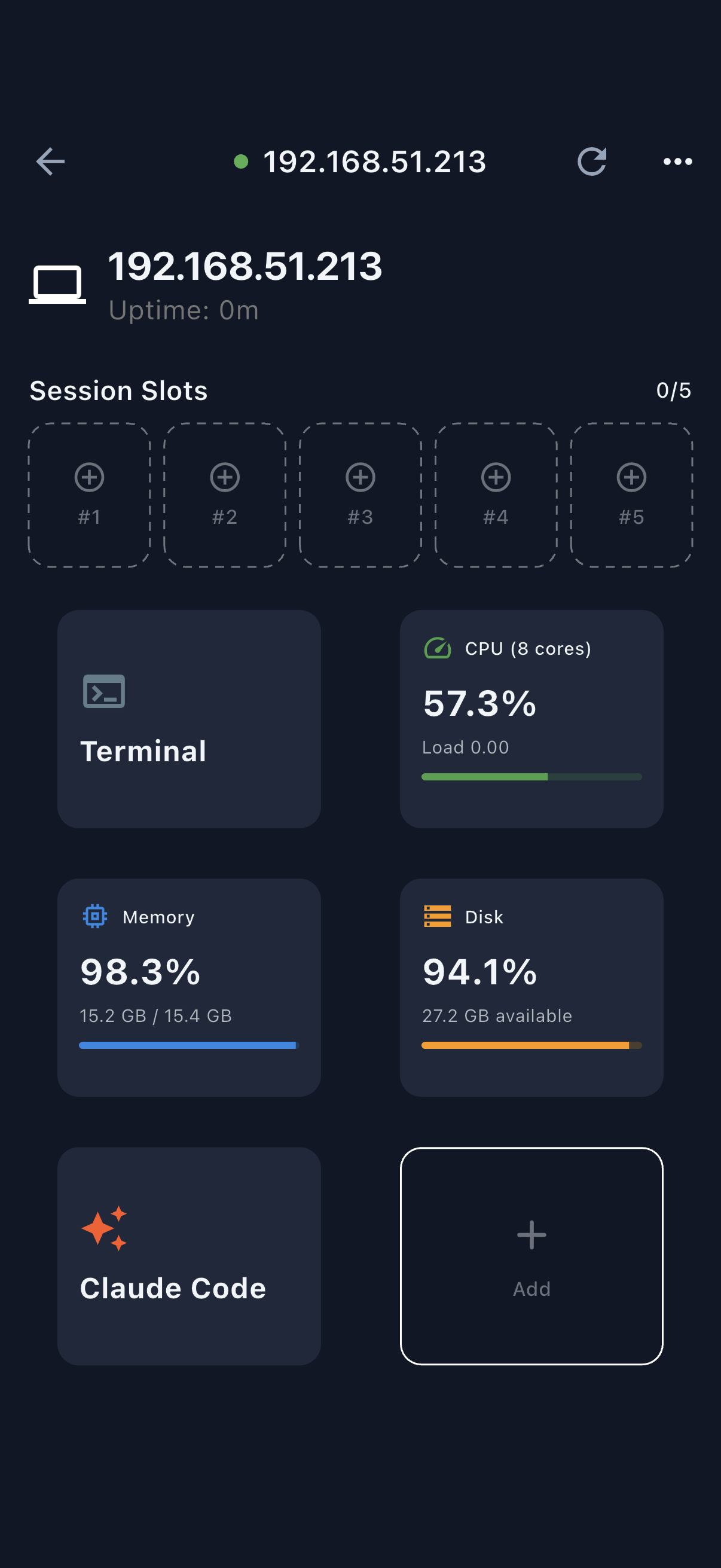
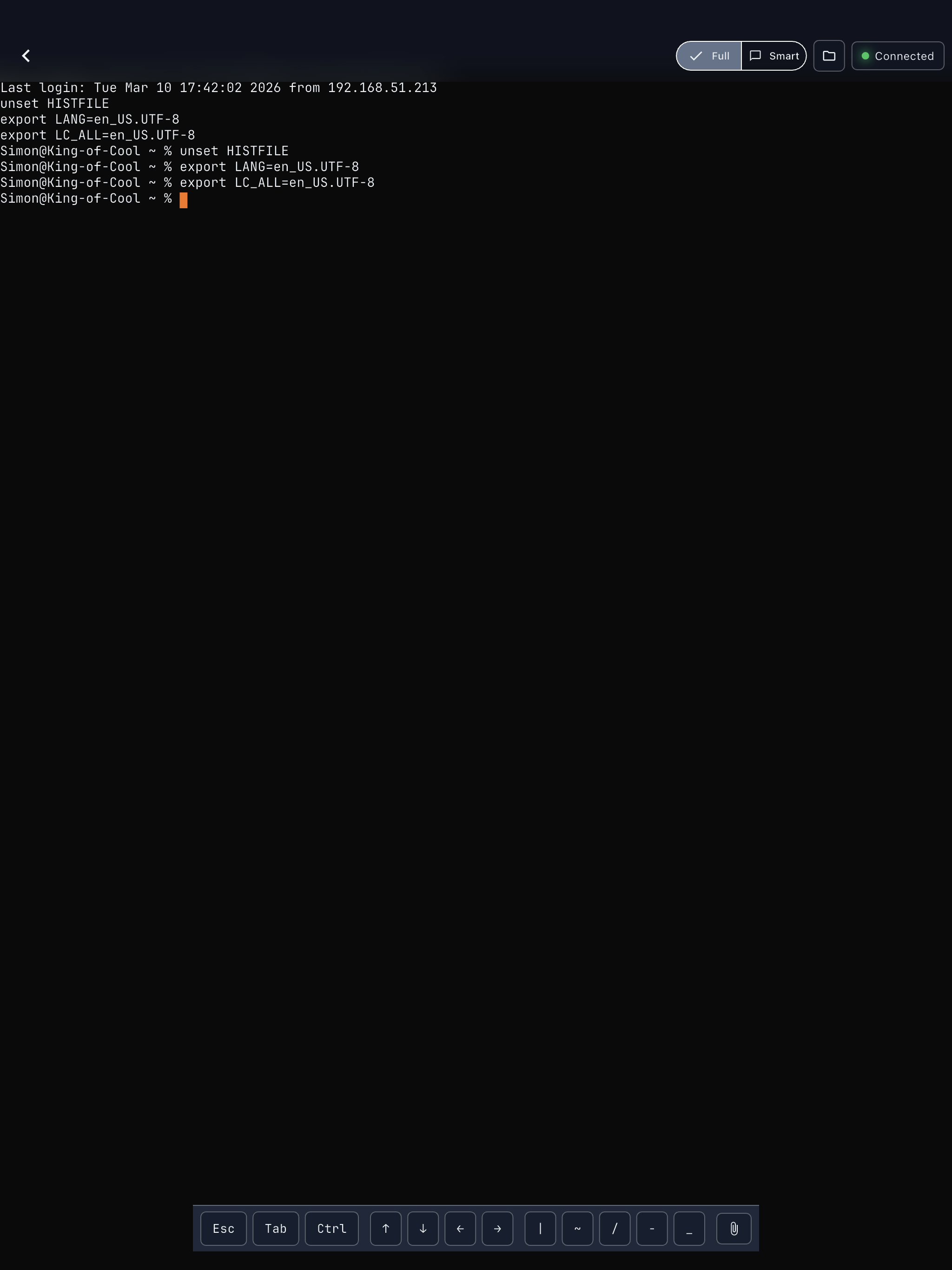
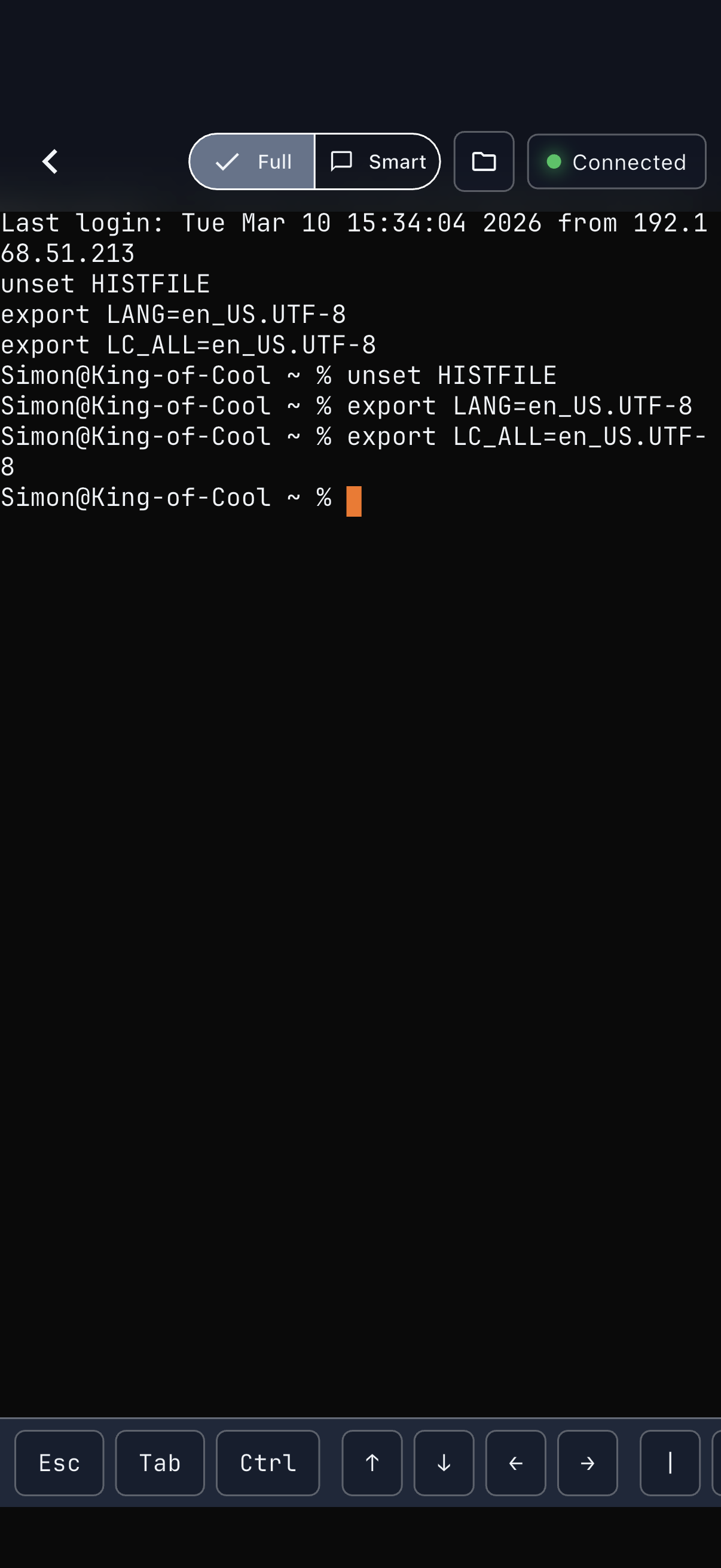
Direct SSH from device to server — nothing in between. Post-quantum encrypted (ML-KEM). No analytics, no tracking, no telemetry. SSH credentials are stored in iOS Keychain. Your data is never sent to Emberbright. All communication flows directly between your device and your server.
No ads. No recurring fees. $9.99 launch price ($14.99 after) — every feature, no limits.
Set up Claude Code CLI on your Mac or Linux machine with your Anthropic API key or Claude Pro/Max subscription.
Add a connection. Authenticate. Pick a project. You're running in under two minutes — Günther walks you through SSH key setup during onboarding.
Open a Claude Code session, choose your model, and start working. Plans, thinking steps, tool approvals — all rendered in a native mobile UI.
Requires iOS 17.6 or later. Works on iPhone and iPad.
Günther is the remote control. Your server does the work.
Any Mac or Linux machine with SSH access — or anything else running a standard Unix shell. Local, remote, or cloud. If you can ssh into it, Günther can connect to it.
Available on the App Store.